 Catfish Detector
Don't get catfished.
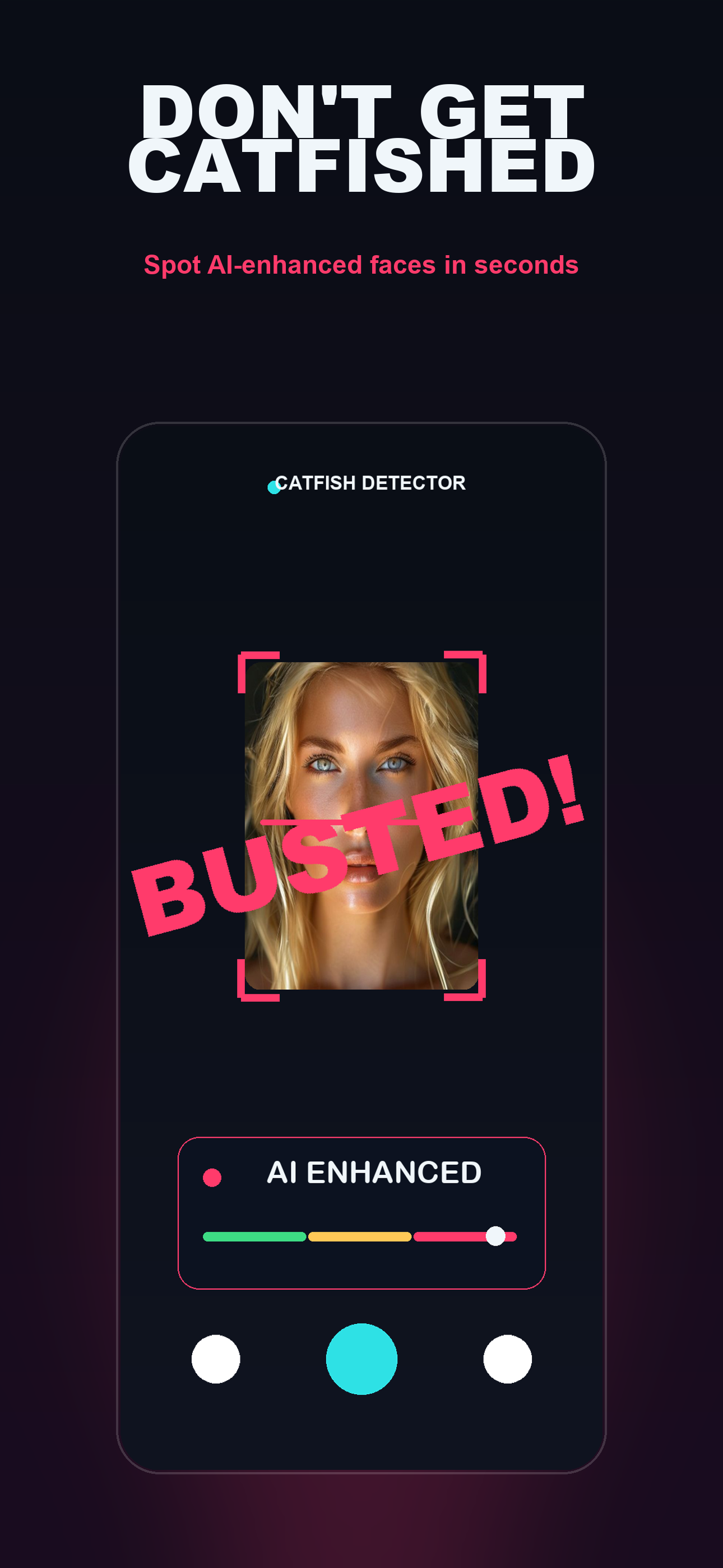
Catfish Detector checks whether a face has been AI-enhanced or beauty-filtered — in seconds, right on your iPhone. Scan live with your camera, or check any photo.
Download on the App Store →Coming soon. Verdicts are a hint, not proof — see the honesty note below.
What it does
A face-focused detector that flags the tells of AI enhancement and heavy beauty filters.
Live or photo
Point your camera at a face, or pick any image from your library.
Instant verdict
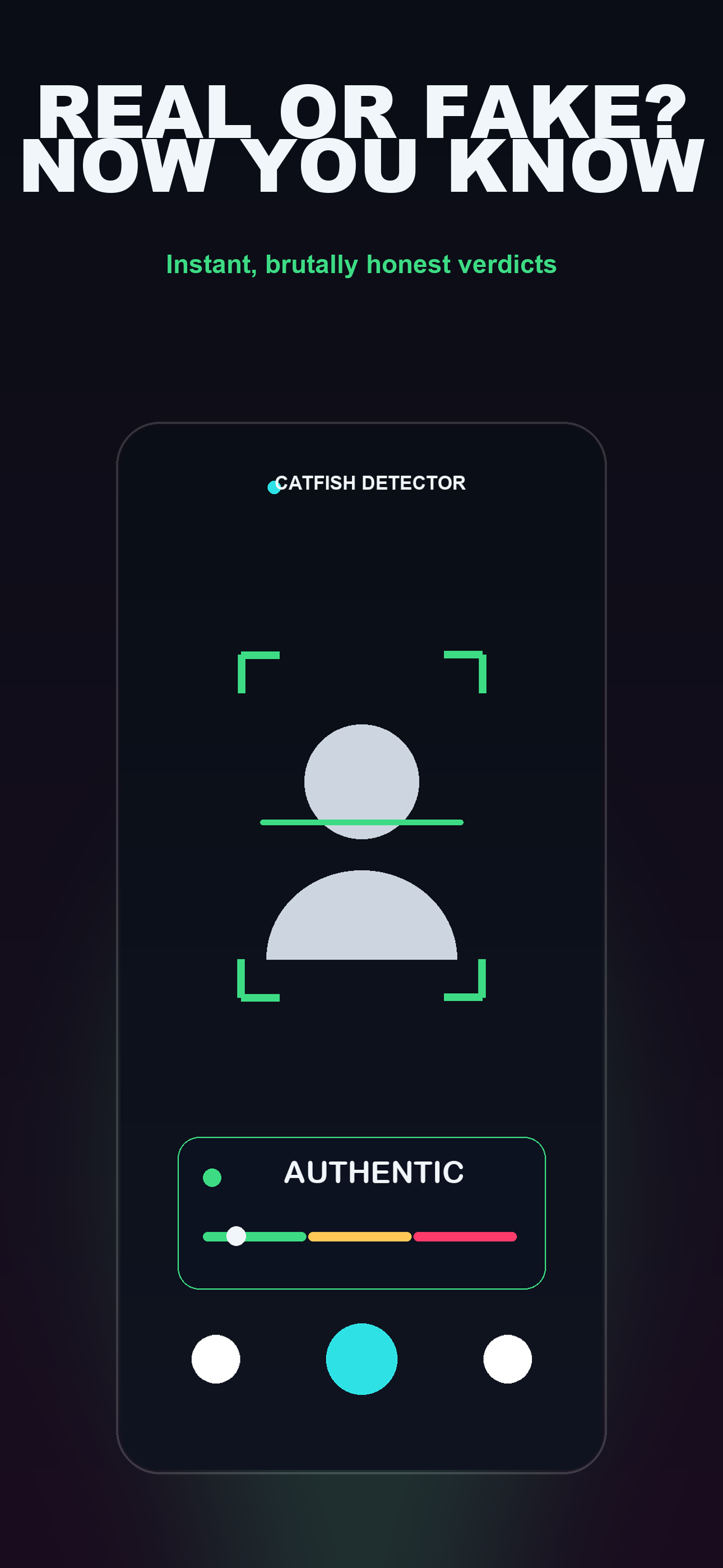
A clear AI-Enhanced / Authentic read with a confidence gauge — in a couple of seconds.
Truly private
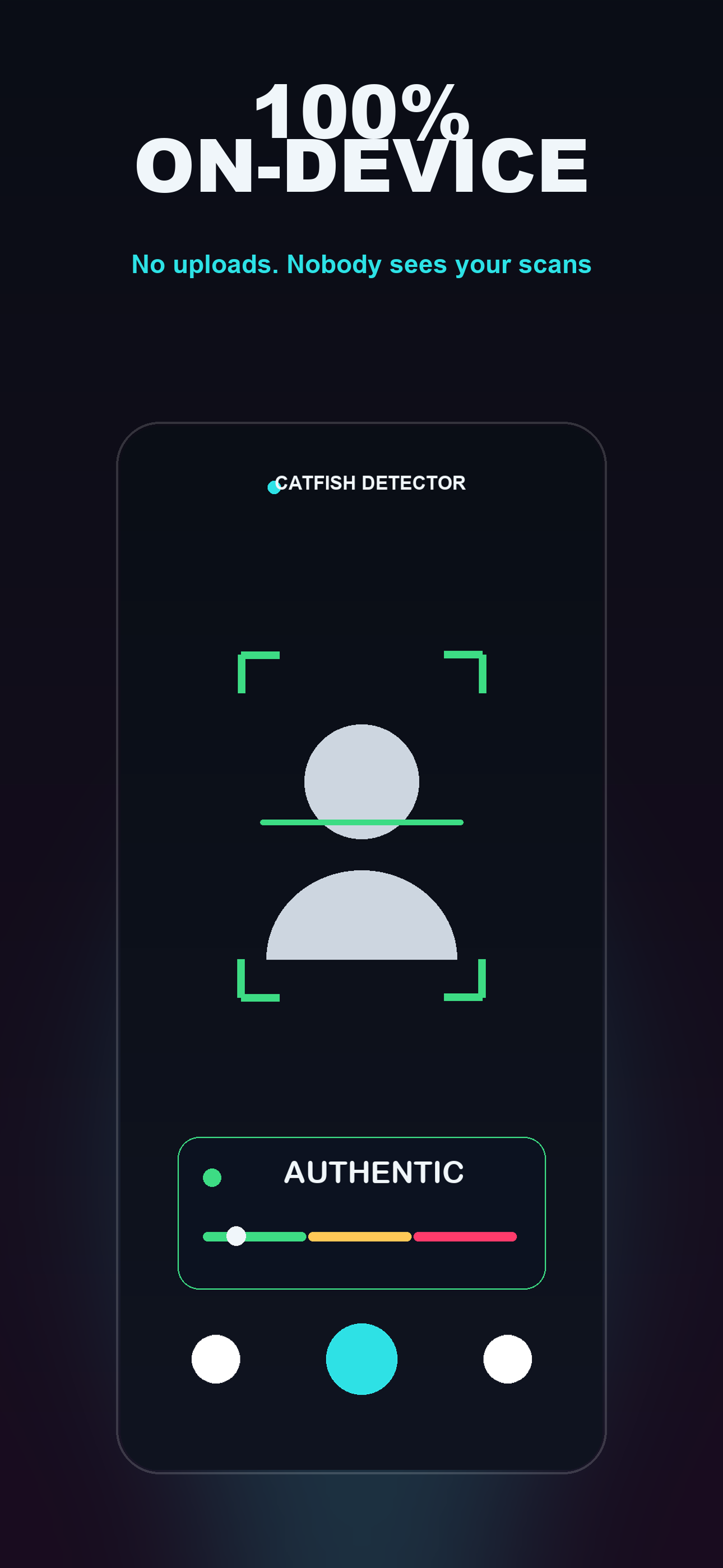
The model runs entirely on your device. No uploads, no account, no servers.
Check from anywhere
Share a screenshot from TikTok, Instagram or a dating app straight into Catfish Detector.
How it works
Three taps from "is this real?" to an answer.
Point or pick
Aim your camera at a face, or choose a photo / share a screenshot into the app.
Scan on-device
A neural model analyses the face locally and looks for signs of AI enhancement and filtering.
Get the verdict
See an AI-Enhanced or Authentic read with a confidence score. No face? No judgement.
Privacy by design
Most "AI detector" apps send your photos to a server. This one doesn't.
No uploads
Your photos and camera frames never leave your iPhone.
No account
No sign-up, no email, no tracking profile.
You're in control
Scan history lives only on your device, and you can clear it anytime.
An honest note
FAQ
- Does it work offline?
- Yes. The detection model is bundled in the app and runs fully on-device, with or without a connection.
- What does it actually detect?
- Faces that have been AI-generated, face-swapped, or heavily beauty-filtered. It's designed around faces — if there's no face, it won't guess.
- Is it always right?
- No. It's a probabilistic hint. Use your own judgement alongside it.
- How much does it cost?
- Free to try with a few scans a day; an optional Pro subscription unlocks unlimited scans, batch checks and history.